
Our 2026 Conference Guide is live inside the ACDA Conference App! Below you will find instructions on how to download the guide and access the detailed information about Reflections of Us 2026.
You can access most features of the Conference Guide through the Guide’s web interface. You can also find download links to install the Guide to your mobile device on this website as well (upper right hand corner).
Download and Installation Instructions
- Go to the App Store.
- Search for ACDA Conference App.
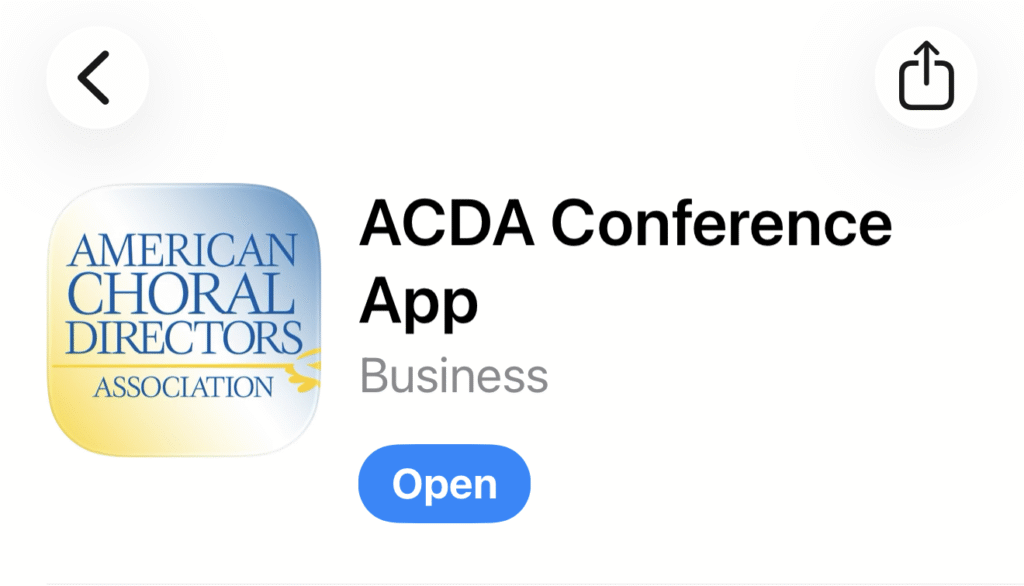
- Download and install the App.
- Once installed, open the App.
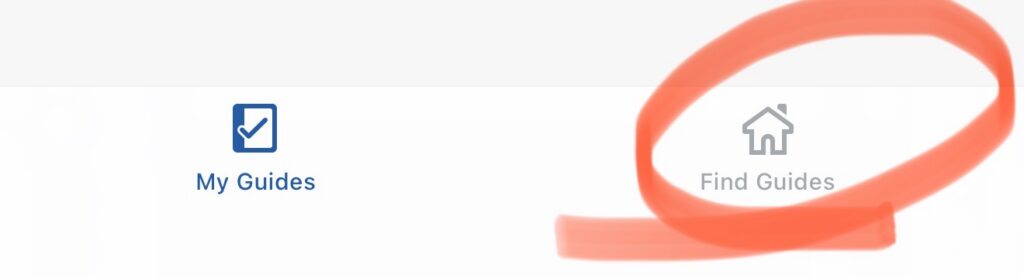
- In the bottom right hand corner, you will see Find Guides. It is a little house icon. Tap that.
- The Midwestern Region Guide may display as an option. If so, tap that and then tap Download Guide.
- If the Guide does not display, type ACDA Midwestern. It will show up as an option, Tap the Guide and then tap Download Guide.
- You should be all set!
Updates to Come!
The Guide will continue to update several times over the next few weeks. Once the conference begins, we will only update the Guide overnight. It will update first thing in the morning, and you should be set for the day!
Use the Activity Feed to post your thoughts and your pictures!
Please note that the Activity feed is meant to be the social hub of the conference. We have sold sponsored posts in the feed to various businesses, institutions, and individuals. If you are interested in purchasing a sponsored post, contact Kara Kegelman at the National Office.
Please refrain from posting anything that reads as self-promotion or a call to action in the Activity Feed if it has not been prearranged with Leadership.
Your Social Media/Website Manager/App Chair,
Luke McGinnis